Website Chatbot With PMS Integration for Apartments
Narasimhan Vallur | 2026-11-13
Last updated: November 13, 2026
Your leasing staff already maintain unit information in a property management system. When a website visitor asks what's available, that information should be available to the chatbot too.
LoftX.ai can integrate with Yardi, AppFolio, Entrata, ResMan, Buildium, Rentvine, MRI, Rent Manager and other PMSs with an open API. The purpose is straightforward: use the property information your team manages to answer questions on your website.
What comes from the PMS?
A leasing conversation needs to identify the property and unit before it can give useful listing details. Rent, availability and specials then help a prospect decide whether to consider the home.
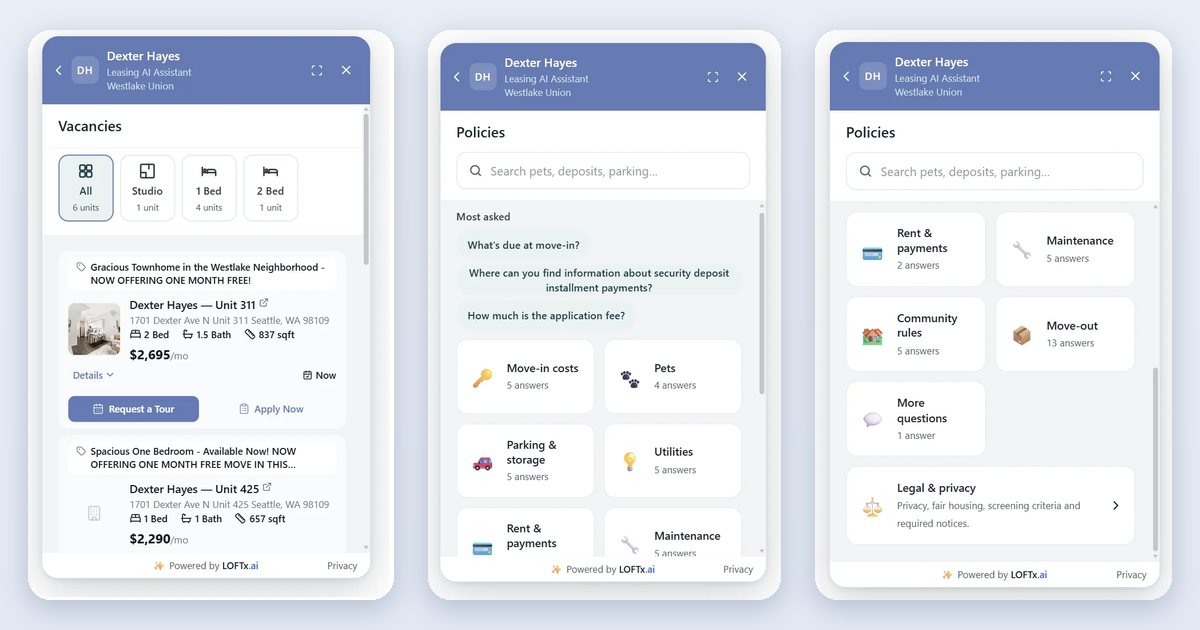
LoftX uses connected property data in that exchange. A visitor can browse available units or ask for an option that fits their preferences. The messenger displays photos and unit details alongside tour and application actions.
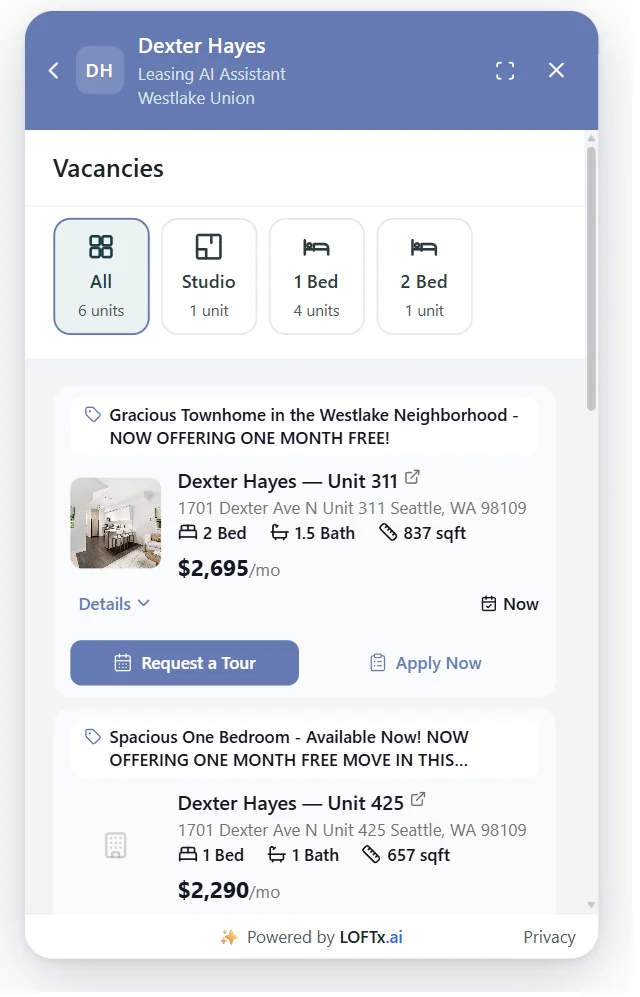
The unit card keeps the home's details and its leasing actions together.
A unit-specific action matters. Once a visitor has selected an apartment, the tour or application destination should correspond to that selection.
Where do policy answers come from?
The PMS and the property knowledge base each contribute information.
| Renter question | Source used for the answer |
|---|---|
| Which units are available? | Connected property and vacancy data |
| What is the listed rent or current special? | The relevant unit's listing information |
| What are the pet rules? | Approved property policy content |
| Where do visitors park? | The property's approved instructions |
| How do I apply for this home? | The application action configured for the selected unit |
Keeping these sources organized makes updates easier to manage. Your team maintains listing details through its property systems and reviews explanations through the knowledge base.
The policy-control article describes that editorial responsibility in more detail.
Connecting the system you already use
Start onboarding with the PMS name, the properties you want to include and the actions renters should be able to complete.
For AppFolio, LoftX's documented workflows include property and vacancy information, guest-card emails and links to unit-specific showing and application pages. Rent Manager supplies property, unit, pricing and availability information, with in-chat tour booking on connected calendars.
The AppFolio integration guide and Rent Manager guide explain those setups. Yardi, Entrata, ResMan, Buildium, Rentvine and MRI are also part of the PMS integration offering.
On a single-community website, scope the experience to that community. On a company website, decide which properties the assistant should cover and how visitors will identify the building they mean.
Start with a unit your team knows
A useful first walkthrough begins with one familiar listing. Look at its information in the PMS, then ask the chatbot about the same home. Check the rent and availability, open the listing card and follow its tour or application action.
That gives the property team a concrete view of the connection: where the information comes from, how it appears and where the renter goes next.
Explore the website chat product to see how connected listing data appears to renters.
Tell LoftX which PMS your portfolio uses and start with a property you want to put on the website.