Rent Manager Website Chatbot: Meet Loftx
Narasimhan Vallur | 2026-11-10
Last updated: November 10, 2026
A Rent Manager website chatbot should help a renter move from an availability question to a real next step. LOFTx.ai connects property, unit, price and availability information from Rent Manager with website chat, tour booking and a Prospect Inbox your team can work from.
That gives the information your team already maintains another job: helping website visitors find a home and arrange a viewing. Lofti, the LOFTx.ai assistant, combines that property information with your knowledge base for questions about policies, fees and application steps.
What your Rent Manager website chatbot can do with Loftx
Loftx's documented Rent Manager connection supplies properties, units, prices and availability. The PMS connection starts read-only. Your approved knowledge base supplies the explanations that do not belong in a unit listing, such as parking arrangements or how to contact the office.
| Visitor question | Loftx feature | Why it helps your team |
|---|---|---|
| What is available? | PMS-backed unit information | Connect the conversation to your inventory |
| What are the pet rules? | Company-controlled knowledge base | Answer from approved property information |
| Can I see it? | Booking on connected agents' calendars | Give the renter a path to a tour |
| Can someone help me? | Live takeover from the inbox | Let your team continue the conversation |
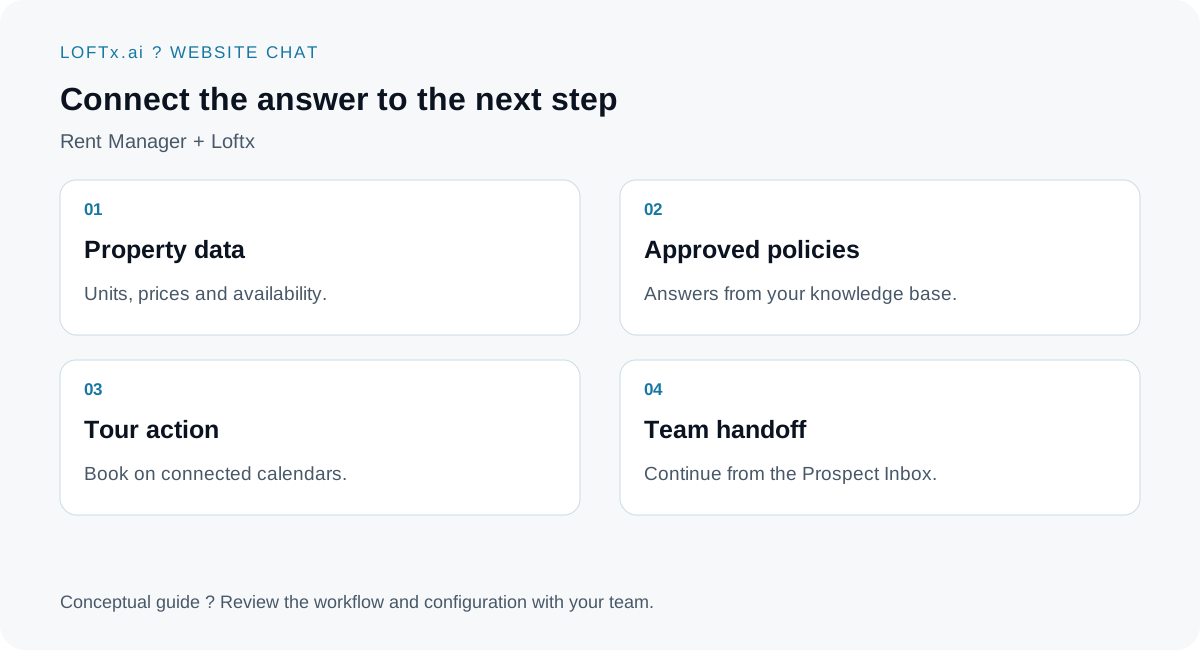
Product workflow based on the documented Rent Manager connection.
Take the renter from a question to a tour
Imagine a visitor asking, "Do you have a one-bedroom available next month, and can I visit on Saturday?" This is an illustrative inquiry, not a customer transcript.
The useful experience starts with the relevant units and moves into booking on an available time in your agents' connected calendars. The lead and conversation reach the Prospect Inbox, so staff can see what the visitor asked about. Confirmations and your configured follow-up support the next step.
For Rent Manager, the documented tour flow books through chat. The AppFolio-specific handoff to a unit's AppFolio tour page is a different option; it should not be assumed to apply to Rent Manager. See the PMS integration guide for that distinction.
Keep a person close to the conversation
Your team should not have to choose between automation and service. Loftx supports live takeover, with the assistant stepping back when an agent joins. That lets the chatbot handle routine questions while people manage exceptions and conversations that need judgment.
Website inquiries also sit within the wider Loftx leasing experience. Listing-site guest-card emails can reach Lofti through the leasing inbox. Review the channels you want enabled during onboarding, rather than assuming every channel or follow-up is part of the same package.
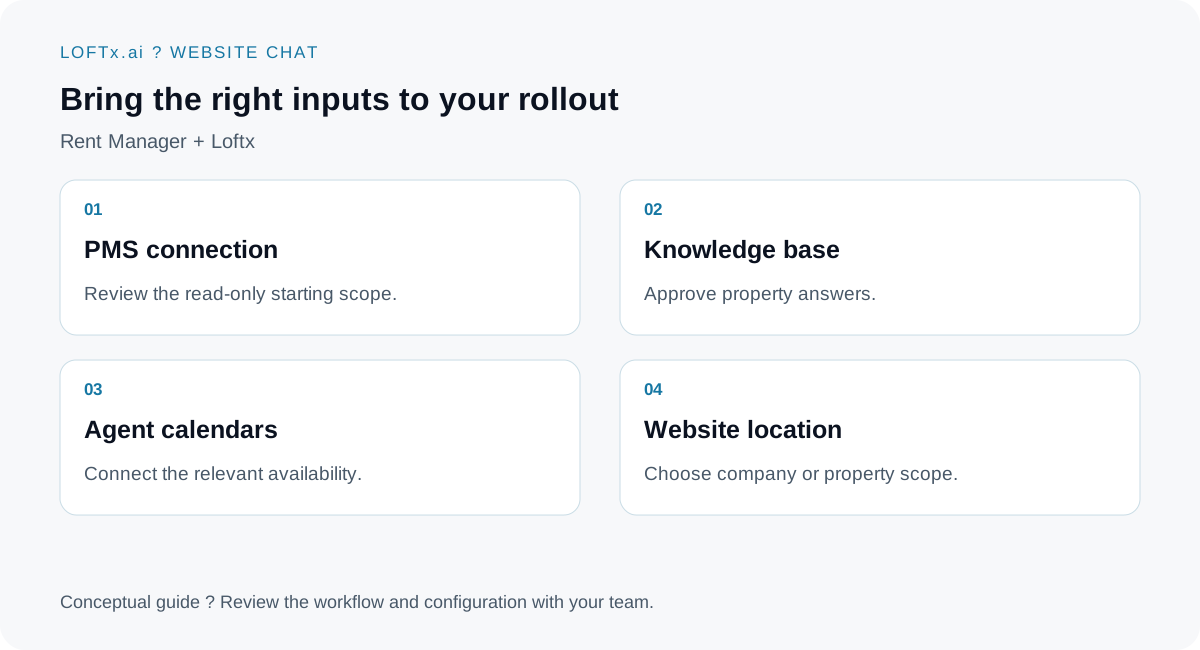
Prepare the information and access that make the demo relevant to your properties.
Start with your actual units and questions
Bring your Rent Manager setup, the website where chat will appear and the questions your leasing team answers repeatedly. Loftx helps configure the answers and website actions, connect the relevant calendars and review the experience before launch.
The website widget uses an embed script. Choose the scope carefully: a single community needs property-specific answers, while a company website needs the right building identified when the answer varies. Keep PMS information current; a connected assistant still depends on the quality and freshness of its sources.
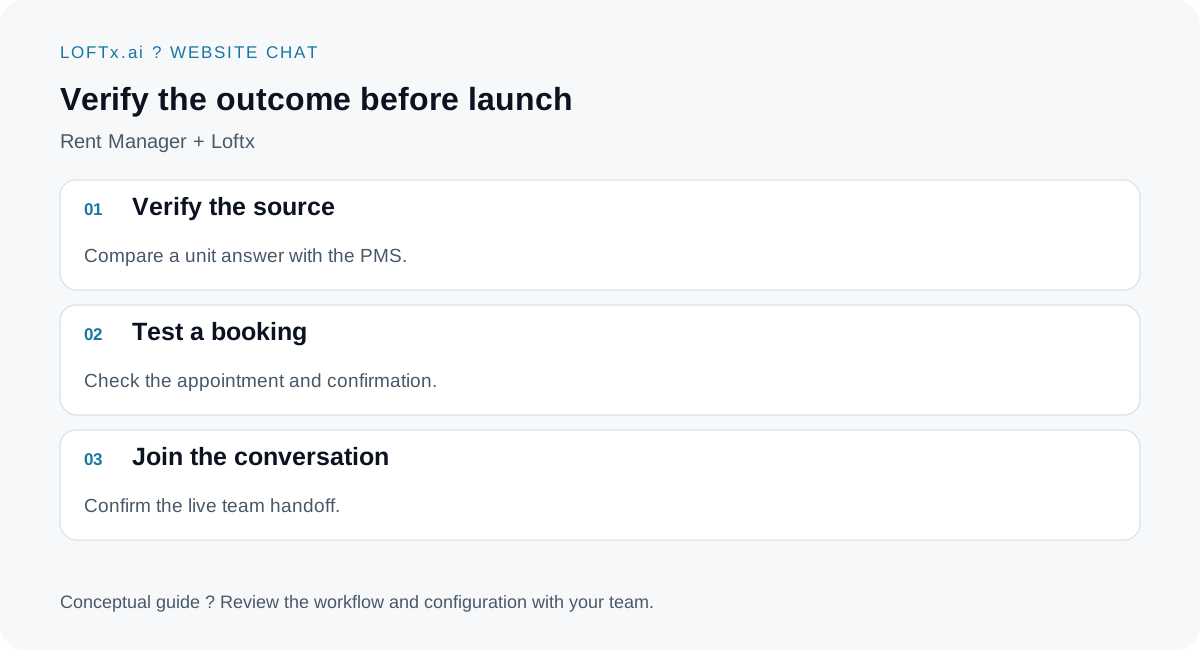
Test the outcome a renter and an agent will actually see.
See your Rent Manager data work harder
Start with one property and a real inquiry. Check the unit answer, book a test tour and have an agent join the conversation. That is a more useful evaluation than watching a scripted greeting.
Book a demo and bring your Rent Manager setup. See how Loftx website chat connects your information to the renter's next step, then review pricing and the free-month offer for the scope that fits your portfolio.