Switch Your Property Management Website Chatbot
Narasimhan Vallur | 2026-11-10
Last updated: November 13, 2026
If you want to switch your property-management website chatbot, start with the experience you want to improve. Perhaps visitors cannot find available units, staff have to repeat the conversation or your team struggles to keep answers current. A new greeting alone will not solve those problems.
LOFTx.ai brings approved knowledge-base answers, configurable website actions and live takeover into the same experience. For leasing websites, PMS-backed availability and calendar booking connect questions with next steps. The Messenger style also lets visitors browse vacancies and policies instead of typing every request.
What to look for when switching your website chatbot
Build a short scorecard from the problems your team sees today. Ask Loftx to demonstrate those tasks with a relevant scenario.
| Current friction | Loftx feature to evaluate |
|---|---|
| Visitors have to ask for every detail | Messenger browsing and configured shortcuts |
| Answers need property-specific information | PMS context and your knowledge base |
| The conversation stops before the next step | Tour, contact and other configured actions |
| Staff cannot continue smoothly | Live takeover from the shared inbox |
| The voice does not sound like your company | Organization-specific tone and branding |
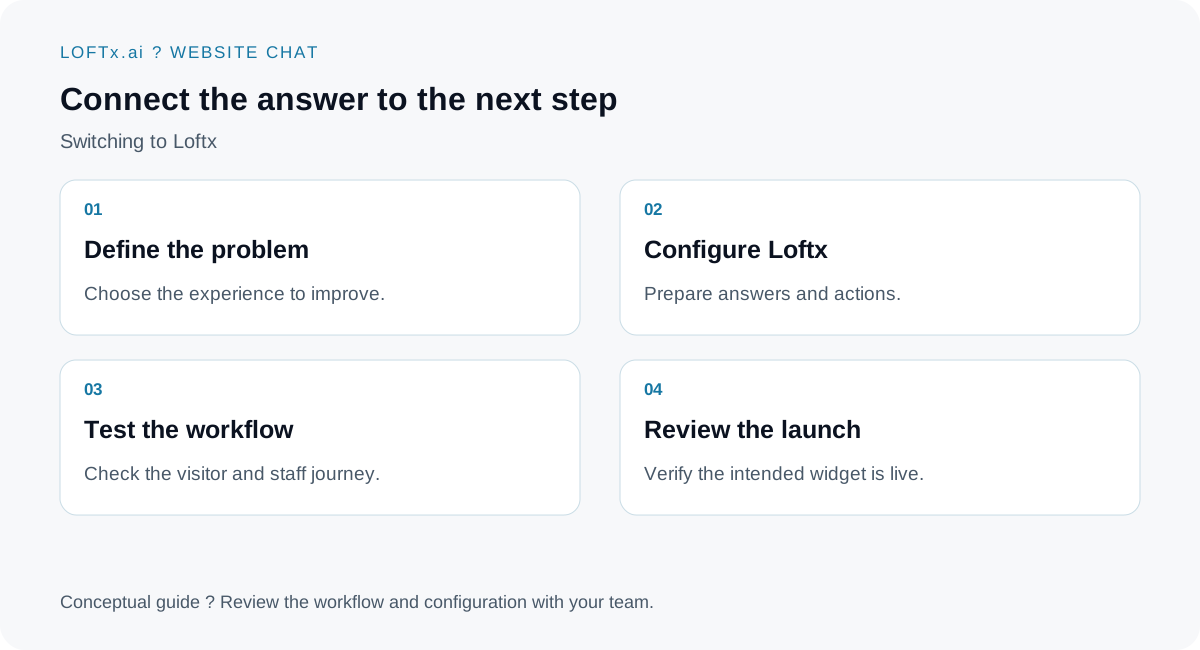
A proposed rollout sequence, not an automatic import process.
Preserve the knowledge worth keeping
Gather approved answers, business policies and the contact or booking destinations your team relies on. Review them before reuse: a migration is a useful point to retire outdated fees, links and explanations.
Confirm what your current provider lets you export and what you are authorized to retain. Loftx onboarding can work with your content plan, but do not assume that conversation history, automation rules or vendor-specific settings transfer automatically.
Assign a person to own the answers. The software can make information available to visitors; your organization still decides which policies and statements it approves.
Configure for the right audience
A community website, a portfolio website and a vendor website need different starting points. A renter may want a unit and tour. A property owner may want a management consultation. A vendor's buyer may want to understand a product.
Choose the relevant actions and the correct scope for the widget. Confirm availability of the Messenger style for your organization when planning that experience. Use Rent Butter's voice customization or Docuverus's professional tone as examples of how distinct the communication can be.
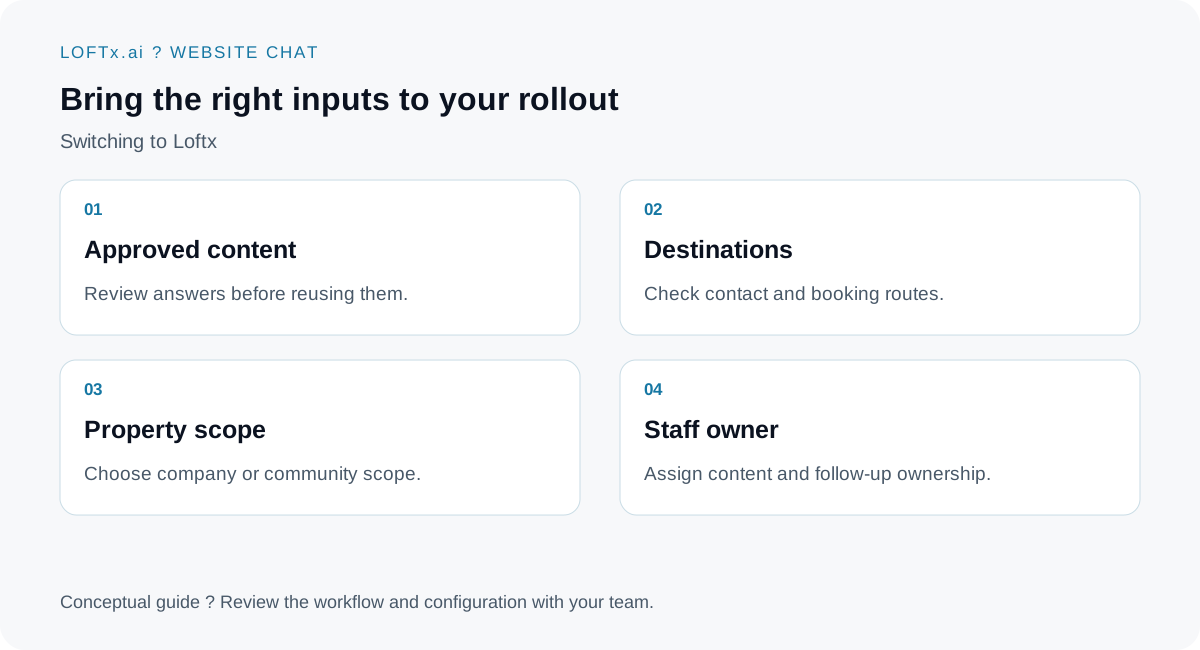
Prepare the inputs before replacing the live widget.
Prove the handoff before the switch
Test an ordinary question, a question outside the knowledge base and a request for a person. Submit a test lead and inspect the staff view. For a leasing setup, test the unit answer and a calendar booking. For a vendor setup, check the approved sales destination.
Use the chatbot demo checklist as a starting point, adapting the questions to your website. Your team should know how to take over and which requests still require manual follow-up.
Make the cutover deliberate
Choose a test site or limited page scope first. Keep a record of the old embed and configuration so your site administrator can restore the previous experience if needed. When the new journey is ready, remove the old public widget and verify that only the intended assistant loads.
Do not cancel the previous service before your team has checked continuity, retention needs and contractual obligations. The practical goal is a reliable transition, not simply a different chat bubble.
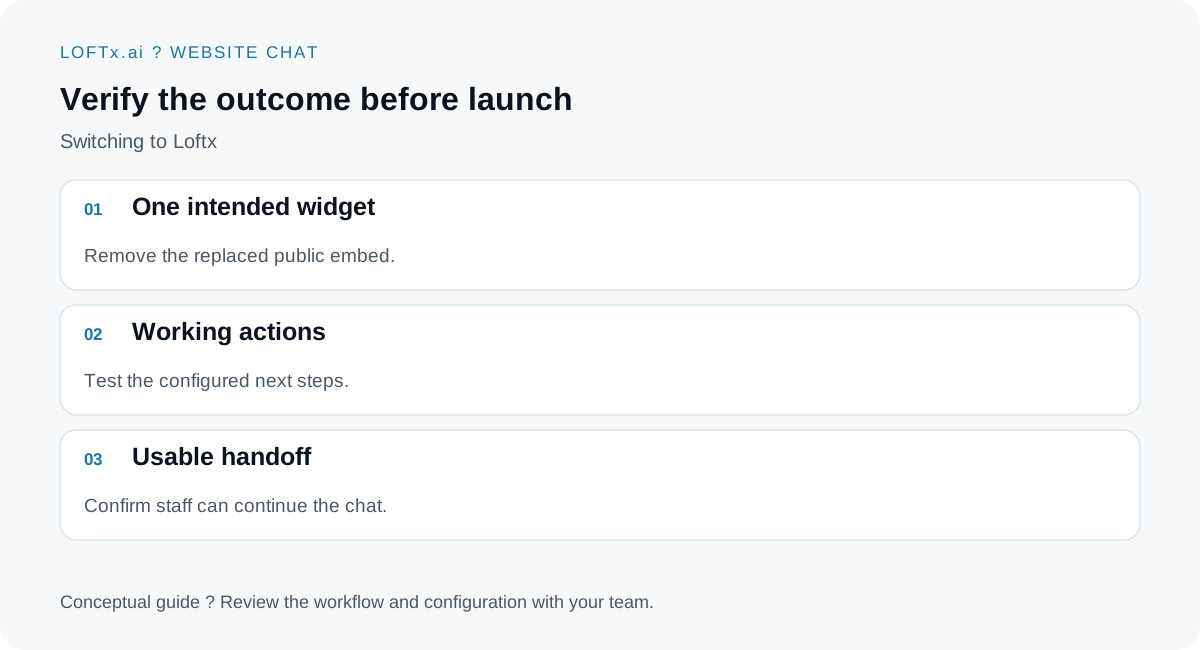
Review the visitor and staff experience together.
Give Loftx your hardest real question
Include a website-chat security review in procurement, and agree how captured inquiries reach your PMS/CRM workflow before the switch.
Book a demo with your current chatbot and the problem you want solved. Compare how Loftx website chat handles the answer, next action and human handoff. Discuss a rollout scope and the free-month offer so your team can evaluate the change on its own website.