Property Management Chatbot Answer Accuracy
Narasimhan Vallur | 2026-11-10
Last updated: November 13, 2026
Property management chatbot answer accuracy breaks in predictable ways:
- two buildings with different pet fees
- availability that changed this morning
- an old addendum that disagrees with the new one
- a visitor who never said which property they meant
Keeping answers accurate across properties comes down to four habits:
- answer from live data
- flag conflicting policies
- identify the property before answering
- review on a schedule
This guide covers each one, with an example. It's written for property management companies running a chatbot across several properties.
1. Answer from live data, not documents
Availability, prices and specials change daily. Any answer about them should come from your PMS at the moment it's asked, never from a document or an FAQ someone wrote last month.
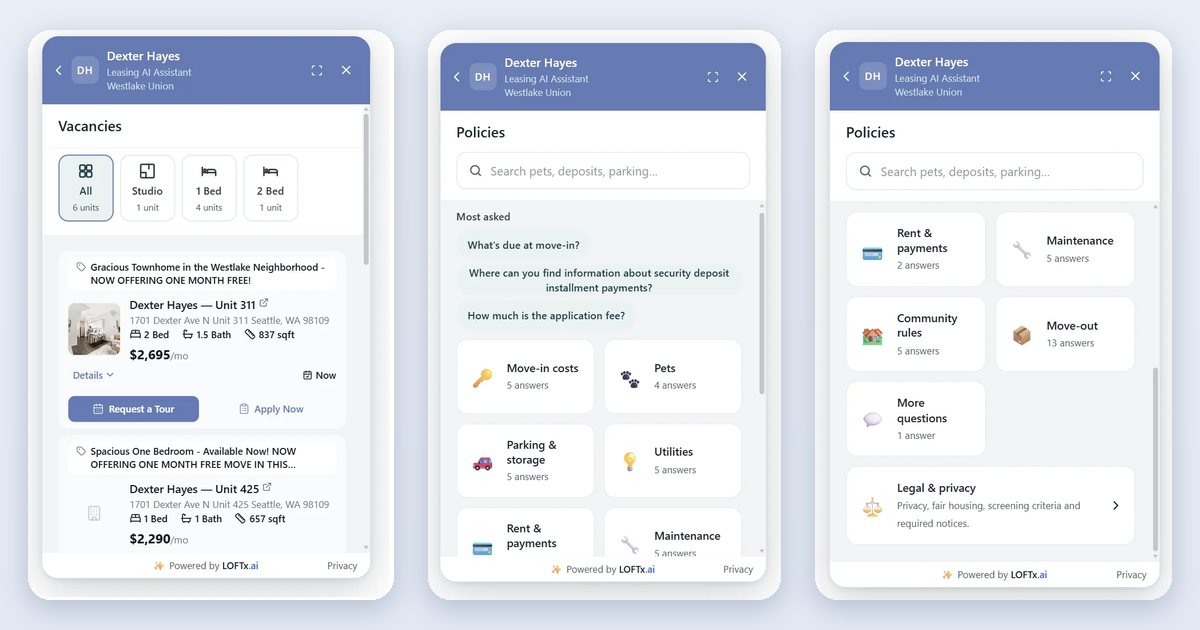
In LOFTx.ai: units, prices, availability and specials come from your PMS. That covers AppFolio, Yardi, Rent Manager, Rentvine, MRI, RealPage and Buildium, plus PMS platforms with an open API. Move-in specials are always answered from live vacancy data.
2. Catch conflicting policies before renters do
An old pet addendum says $300, and the new one says $400. A chatbot that picks one at random is wrong half the time.
In LOFTx.ai:
- Conflicts are held back. When documents disagree, the drafted answer defaults to the newest document and is held for your review.
- Numbers must be sourced. Every dollar amount, number and time period in a drafted answer must appear in a document it cites, or the answer waits for review.
- Nothing unapproved is shown. Answers waiting for review are never shown to renters.
3. Know which property the question is about
On a company website, "Is there bike storage?" has a different answer at every building. The chatbot should ask which property the visitor means, not guess.
Visitor: Is there bike storage? Chatbot: Which property's bike storage would you like to know about? [Property dropdown] Visitor: (picks a building) Chatbot: Yes, there's a secure bike room on the ground floor at that building.
Example conversation, for illustration. It isn't a real transcript.
- Information collected: the property.
- Next step: the answer for that building only.
In LOFTx.ai:
- It asks which property. On a multi-property website, the chat asks with a dropdown of your properties.
- Company answers need agreement. Company-wide answers are used only when every building has the same policy. See multifamily website chatbot for a portfolio.
4. Review on a schedule
- Monthly: read the top questions and the conversations handed to a person. Approve any answers waiting for review.
- When a document changes, such as a new addendum or a fee change, upload it. A rebuild only fills gaps; it never overwrites answers you've already approved. Update those yourself.
- Each quarter: spot-check a few answers per property against your current lease.
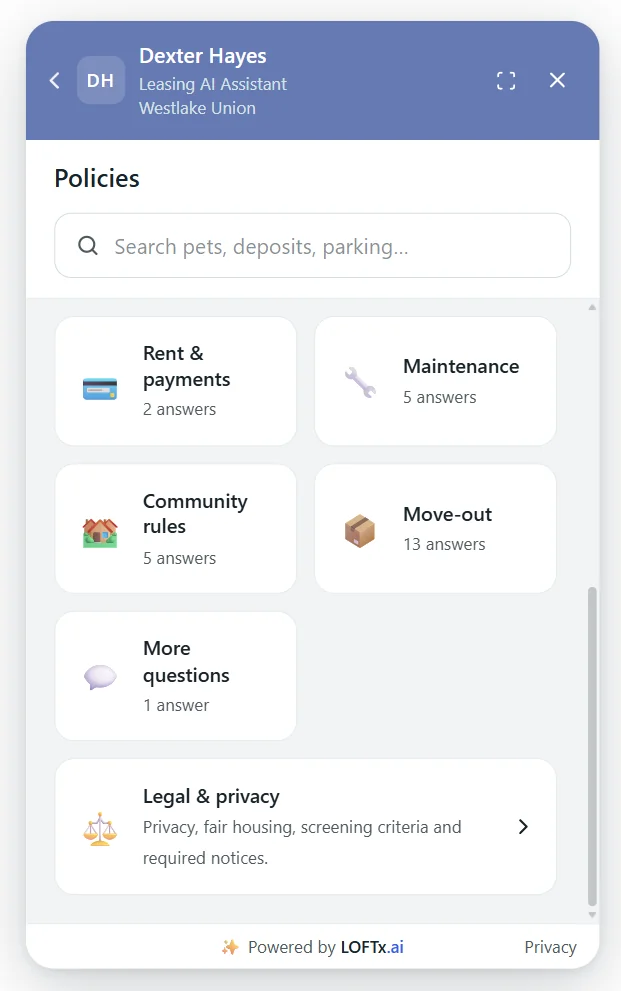
Approved answers by category, so you can see what's covered at a glance. Dexter Hayes, November 2026.
Why LOFTx.ai for accurate answers
- Live data for anything that changes daily.
- Answers grounded in your documents: sourced numbers, flagged conflicts, and a person's approval for legal answers.
- It asks which property instead of guessing.
- Your edits are never overwritten.
- Deep, granular analytics show where answers are missing.
Frequently asked questions
What happens if we change a fee?
Update your approved answer, or upload the new document and review the draft. Prices, availability and specials from your PMS update on their own.
How do we know an answer is wrong?
Watch the conversations handed to a person, and the top questions. Repeated handoffs on one topic usually point to a missing or outdated answer.
Keep every answer right
The website chat product brings vacancy information and approved policy answers into the renter's conversation.
Start your free month or book a demo, and see how your documents become answers your team can trust across every property.