HubSpot Meetings and Website Chat for PMC Vendors
Narasimhan Vallur | 2026-11-10
Last updated: November 13, 2026
A HubSpot website-chatbot workflow for property-management vendors should connect a useful product answer with a clear sales next step. Loftx gives the visitor company-specific answers, a voice that fits your brand and configurable actions, including the HubSpot Meetings link flow described in its consultation-booking guide.
For a tenant-screening provider, software company or other business selling to property managers, the opportunity starts before the meeting. Someone visiting your site may need to understand the service before they are ready to speak with sales.
Start your HubSpot chatbot journey with the buyer's question
Loftx answers from your business knowledge base. Prepare the product descriptions, approved integration information and common questions your sales team wants visitors to understand.
An illustrative buyer might ask, "We manage several communities. Can we see how your service would fit our current workflow?" The assistant can explain the relevant approved information and offer the configured demonstration action. The point is to help the visitor decide whether a conversation is worthwhile.
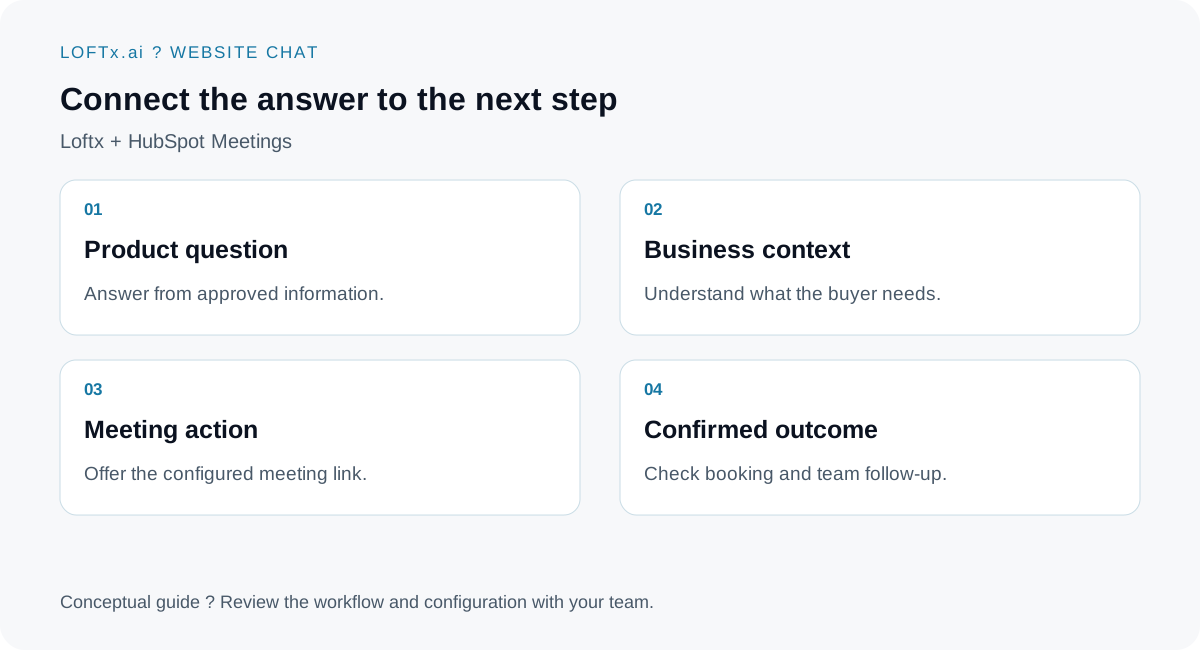
Scheduling and CRM record synchronization are separate parts of the setup.
Give the next step a place inside the conversation
Loftx's consultation-booking guide describes a configurable button that opens a HubSpot Meetings booking link inside chat. Your scheduler determines available times and its configured meeting requirements.
HubSpot also documents its own scheduling-widget embedding. Availability and permissions depend on the HubSpot setup. Test the actual meeting link you will use, including its mobile experience and confirmation.
A booking action gives interested visitors a direct path forward. Keep an alternative contact action for someone who wants a response before choosing a meeting time.
Make the conversation sound like your company
The scheduler is only one part of the experience. Your assistant's explanations and invitations should fit your brand. Rent Butter has customized its Loftx chatbot to speak in its own voice; Docuverus has kept its tone highly professional.
Those are confirmed examples of brand choices, not claims that either company's chatbot uses this HubSpot workflow. See the tenant-screening vendor use case for the broader application.
Capture context the sales team can use
Loftx website chat captures visitor details and questions, and your team can take over live. For a vendor demo, useful context might include the company, product interest and the problem the visitor wants to solve.
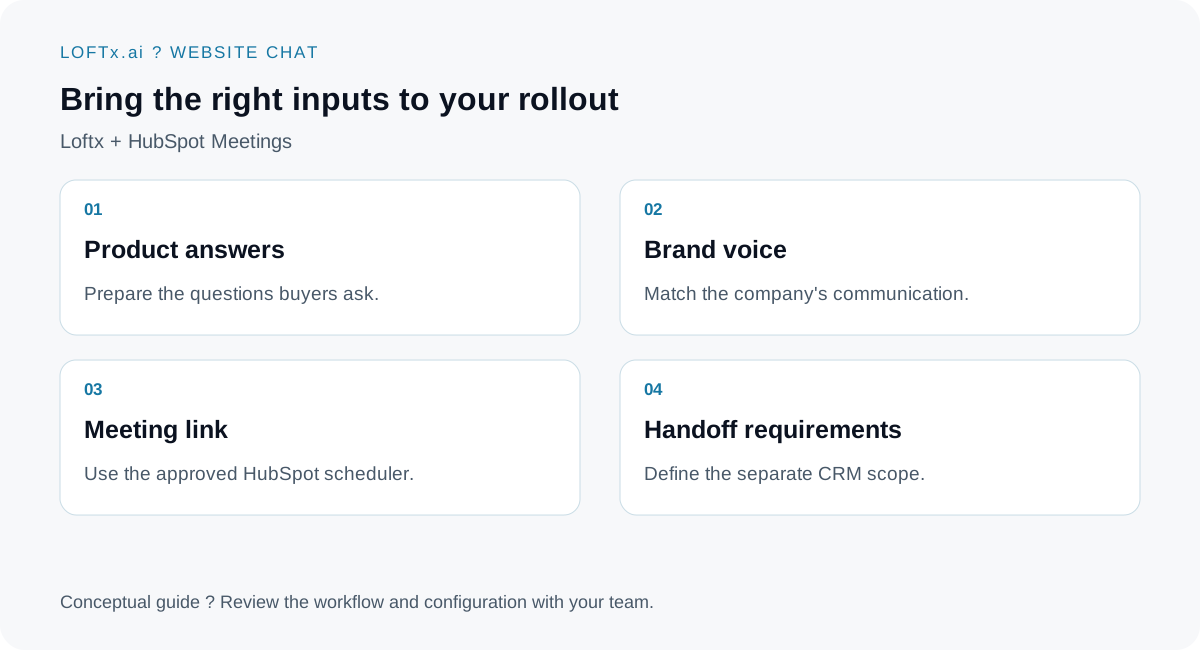
Choose a short, relevant intake; confirm any additional fields during setup.
Loftx lists HubSpot CRM among its integrations. Review the CRM implementation independently of the booking button: which records are supported, how fields map and whether conversation context is transferred. Opening a meeting link does not by itself establish transcript synchronization or automatic deal creation.
Test a complete business inquiry
Use an example buyer scenario from your own business. Ask a product question, request a demo, select a test time and inspect the confirmation. Then verify the records expected in your configured systems.
Also test a visitor who wants a person immediately and an existing customer who needs support. Those conversations should reach the appropriate team rather than being treated as new sales opportunities.
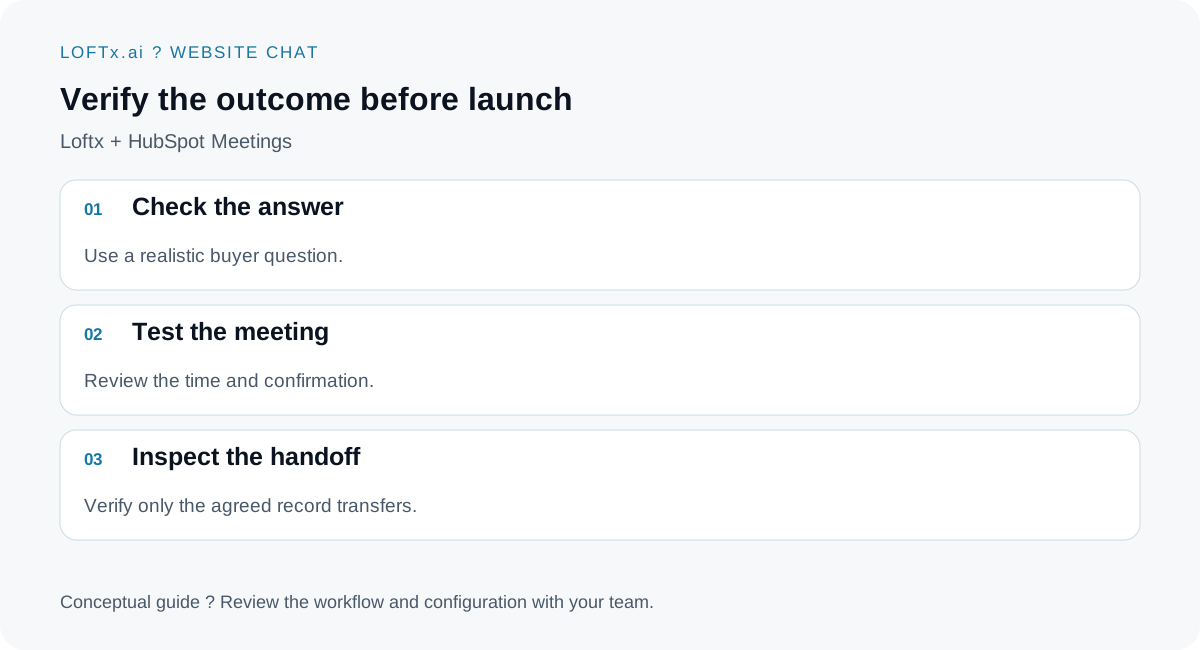
Evaluate the completed journey, not just whether the scheduler opens.
Bring your HubSpot meeting link to a Loftx demo
Book a demo with your meeting link and a typical buyer question. See how Loftx website chat can bring your product knowledge, brand voice and next sales step together. Confirm the HubSpot configuration and CRM scope for your business before launch.