Apartment Google Ads: Track Chatbot Leads and Tours
Narasimhan Vallur | 2026-11-12
Last updated: November 13, 2026
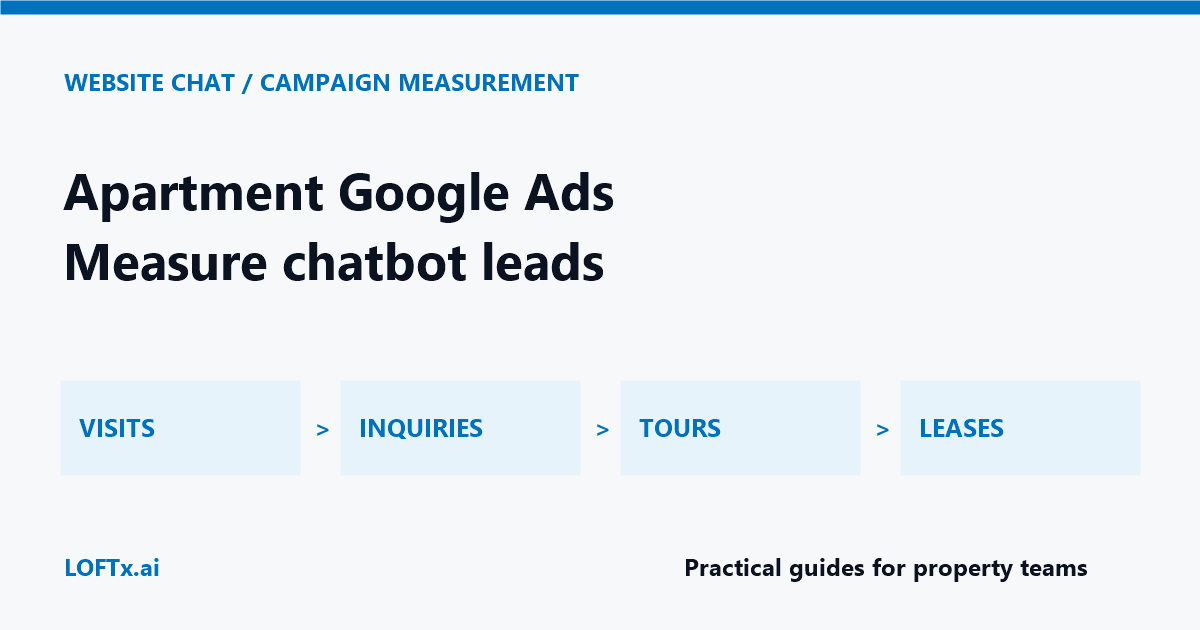
Apartment Google Ads traffic and chatbot activity should be evaluated against the same business journey: a prospective renter reaches the website, gets useful information, takes a next step and eventually attends a tour or leases a home. More opened chats alone do not establish that a campaign is producing better results.
Use a defined evaluation to find out whether website chat helps paid visitors move through that journey. Keep campaign conditions comparable, separate each conversion stage and reconcile downstream outcomes with your leasing records. This guide focuses on paid-traffic measurement; the apartment chatbot ROI guide covers the broader financial evaluation.
Define apartment Google Ads chatbot outcomes
Agree on the meaning of each event before collecting results. A tour button click, a confirmed booking and an attended tour are different events. A request from an existing resident may be useful service activity, but it is not a new leasing inquiry.
| Stage | Working definition | Where to verify it |
|---|---|---|
| Campaign visit | A website session attributed under your chosen campaign reporting method | Website and advertising analytics |
| Conversation | A visitor engages with the chatbot | Chat reporting |
| Usable leasing inquiry | A prospect leaves a usable contact method and a stated rental need | Lead inbox and staff review |
| Booked tour | A confirmed appointment, rather than a click or request | Booking records |
| Attended tour | Staff confirms the tour took place | Leasing records |
| Signed lease | A completed lease under your reporting definition | PMS or leasing records |
Deduplicate repeat contacts consistently. A prospect who returns three times should not become three new prospects in your lead-quality report. Define a usable inquiry around contactability and the stated rental request, separately from any application or eligibility decision.
Check the landing experience before running the test
Open the campaign landing page on a phone. Ask the questions that the ad naturally raises: which advertised homes are available, what the published charges include and how to arrange a tour. Check whether the next action opens the correct property and booking flow.
If the answer is unavailable, inspect the handoff to staff. Do not let a missing answer turn into an unsupported promise about a concession, move-in date or available unit. Use the chatbot demo checklist for functional testing and the website conversion guide for page-level friction.
LOFTx.ai's website chat describes unit browsing by bedroom and price, answers from your knowledge base, configured tour and application actions, lead capture and live agent takeover. Those are the product behaviors to evaluate on the visitor journey.
Keep the comparison interpretable
Record the property, campaign, landing page, budget, offer, available inventory and staffing arrangement for the evaluation. If several of these change at once, do not attribute the entire result to chat.
Where your analytics setup supports it, use a properly configured comparison with consistent assignment. Otherwise, compare periods cautiously and document the differences. A before-and-after report can reveal useful patterns, but seasonality, inventory and campaign changes can also explain them.
Choose the evaluation duration based on traffic and the time needed to observe the outcome. If few tours have occurred, extend the evaluation rather than declaring a winner from a handful of leads. Continue observing later lease outcomes for the same cohort.
Calculate costs at the stage you can verify
Suppose a hypothetical campaign spends $1,200 and produces 20 unique usable inquiries, eight booked tours and five attended tours. Advertising cost is $60 per usable inquiry, $150 per booked tour and $240 per attended tour.
These are illustrative inputs, not LOFTx.ai pricing, performance or market benchmarks. They show why choosing the denominator changes the conclusion. A low cost per chat could coexist with a high cost per attended tour.
Report advertising cost separately from total program cost, which may include software, implementation and staff review. If lease outcomes are still pending, label them pending. Do not turn bookings into assumed leases or count the same prospect twice across sources.
Connect reporting without assuming an integration
LOFTx.ai describes conversation and lead counts, top questions, and tours and applications started from chat. Use those alongside your campaign and leasing records; confirm which identifiers, exports and source fields are actually available for your setup.
Google Ads supports offline conversion imports and distinguishes qualified leads from converted leads. Those Google capabilities are separate from the chatbot. This article does not imply that LOFTx.ai automatically captures ad identifiers, imports conversions or attributes signed leases to campaigns.
Have your marketing owner validate the measurement configuration, applicable consent requirements and data handling before connecting systems. When records cannot be reliably matched, report the limitation instead of assigning all new leases to chat.
Turn the results into one useful change
Read the questions that did not reach a next step. An unanswered parking question suggests a knowledge-base update. A wrong-property booking action suggests a configuration fix. Bookings without attendance may require a separate review of the appointment process.
Choose one evidenced change and rerun the comparison. Keep the report focused on usable inquiries and verified leasing outcomes, with chat activity explaining where visitors need help.
Bring one campaign landing page and your lead definitions to a demo. Book a LOFTx.ai demo to walk through the visitor experience, lead handoff and reporting available for your property before planning an evaluation.