Website Chatbot for Salesforce Sales Teams
Narasimhan Vallur | 2026-11-10
Last updated: November 13, 2026
For property-management vendors using Salesforce, a website chatbot should help turn an initial question into a business inquiry your sales team understands. Loftx provides company-specific answers, branded communication, visitor lead capture and live handoff, and lists Salesforce among its integrations.
The right implementation starts with your sales process. Confirm the supported Salesforce records and transfer behavior for your setup. This article explains what to evaluate; it does not promise an out-of-the-box Salesforce booking or automatic opportunity-creation feature.
What Loftx adds before the Salesforce handoff
A property manager evaluating your product may need an explanation before they will share contact details. Loftx answers from the business information you provide, helping visitors understand the service and choose a useful next action.
For software and service vendors, that means the website can do more than present a contact form. Configure your voice, common answers and relevant actions around the way prospects actually evaluate your business.
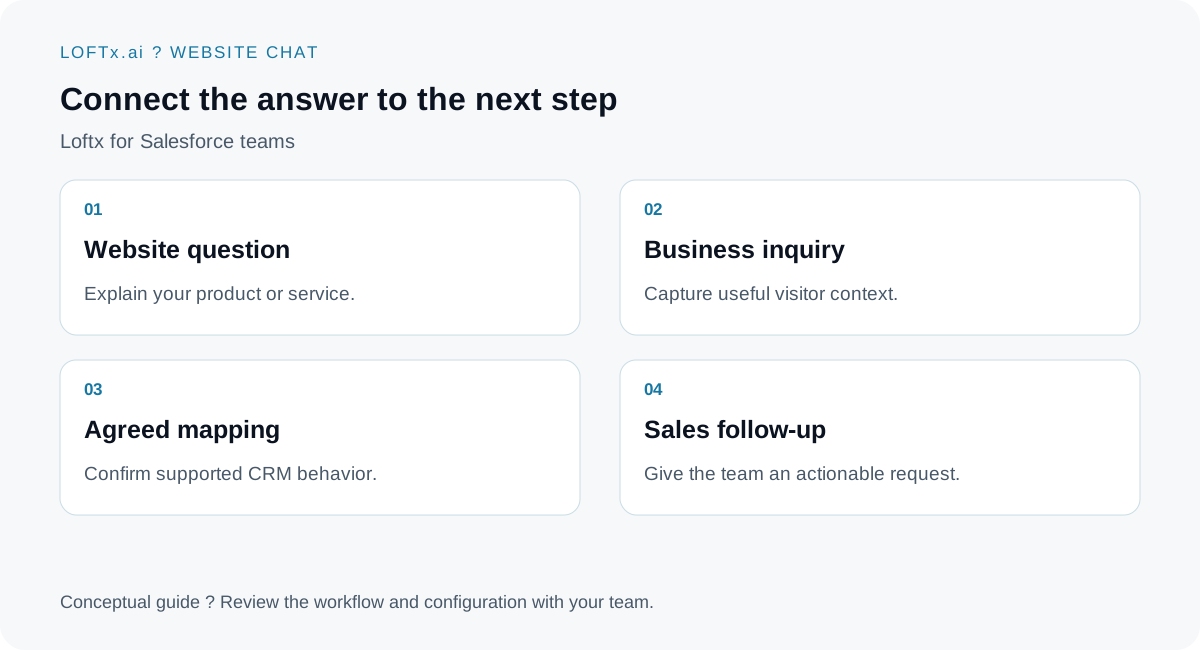
The CRM step depends on the implementation confirmed for your organization.
Design a lead brief around sales decisions
An illustrative inquiry might be, "We need a new verification provider for our portfolio and want to compare implementation requirements."
A useful brief explains who reached out, their company and what they want to discuss. Portfolio context and timing may help sales prepare, but keep qualification proportionate to the visitor's interest. Ask a question because its answer changes the next step.
Loftx's website-chat experience captures visitor details and questions. A sales-ready CRM process then needs an agreed mapping rather than assumptions about where every conversation will appear.
| Decision to make | What to confirm in the demonstration |
|---|---|
| Destination record | Which Salesforce record type the setup supports |
| Required fields | How incomplete inquiries are handled |
| Existing contacts | How duplicate or returning inquiries are treated |
| Conversation context | Which details are transferred and in what form |
| Ownership | Who receives and acts on the inquiry |
| Failed transfer | How the team notices and recovers the request |
This is an implementation checklist, not a list of universally enabled integration features.
Preserve your brand and your team's role
Loftx supports an organization-specific voice. A screening provider may want concise, professional explanations; another vendor may prefer language closely matched to its existing brand. The Rent Butter and Docuverus stories illustrate those choices without establishing Salesforce use by either customer.
Your team can join a website chat live. That matters when the question concerns a commercial exception, detailed project scope or a discussion the visitor would rather have with a person.
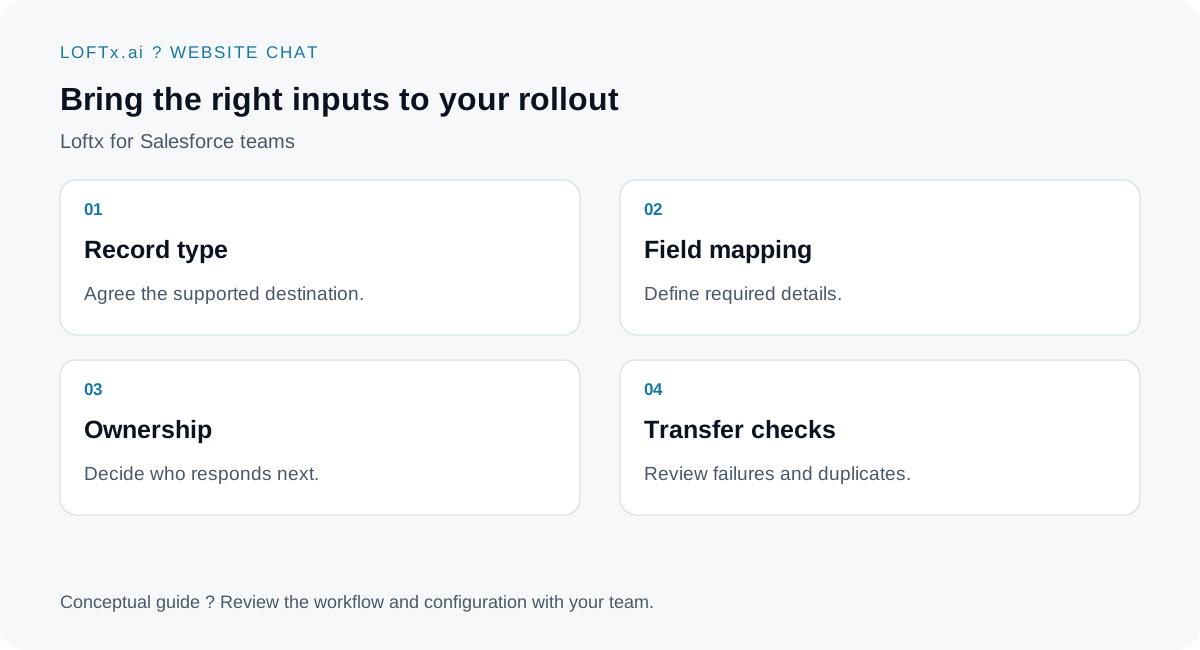
Bring your CRM administrator's requirements to the product conversation.
Keep meeting requests clear
Choose the contact or scheduling action that is confirmed for your setup. The published Loftx consultation flow describes HubSpot Meetings links and email lead forms; a Salesforce scheduler should not be assumed to be available on that basis.
If a visitor asks for a meeting, tell them whether they have requested contact or actually booked a time. Your sales team should receive enough context to continue either way.
Evaluate one inquiry end to end
Use a representative visitor question, submit test contact information and review both the Loftx conversation and the expected Salesforce outcome. Include a returning contact and an inquiry missing a required detail. Ask to see how each case is handled before rollout.
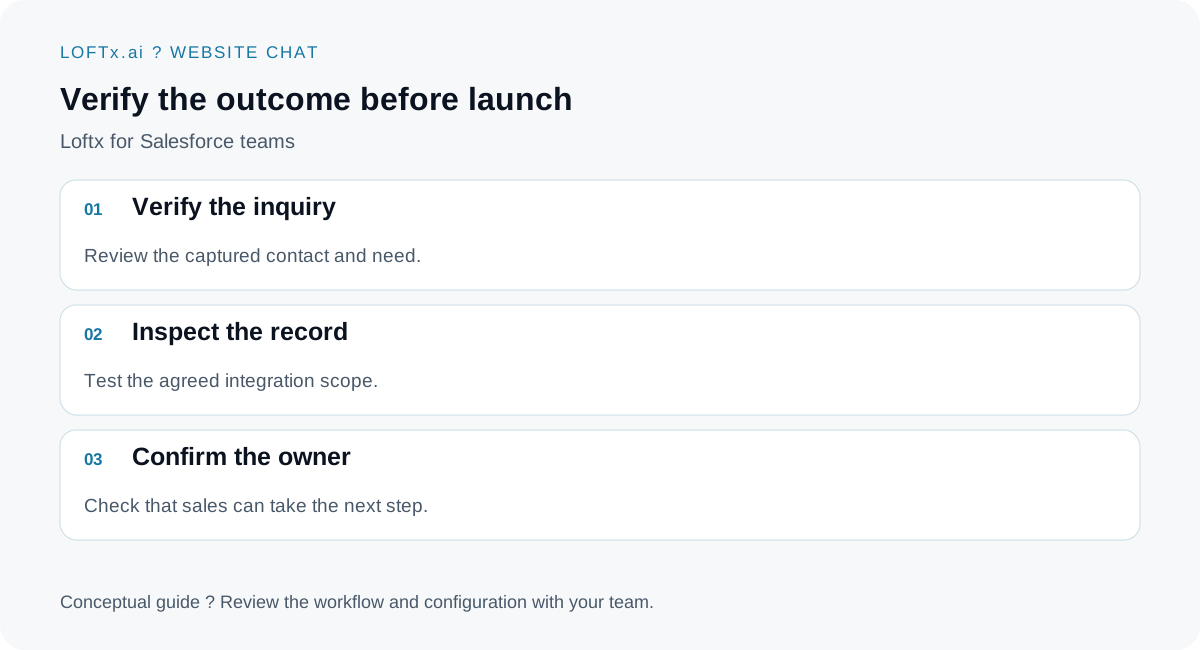
Prove the agreed workflow with test data before relying on it for sales.
Give Salesforce a better starting conversation
Book a demo with your Salesforce requirements and a real buyer scenario. Explore Loftx website chat for the engagement layer and confirm the integration scope your team needs. For the audience and related use cases, see companies serving property managers.