LOFTx MCP Server: Connect Claude and ChatGPT to Rental Data
Narasimhan Vallur | 2026-11-19
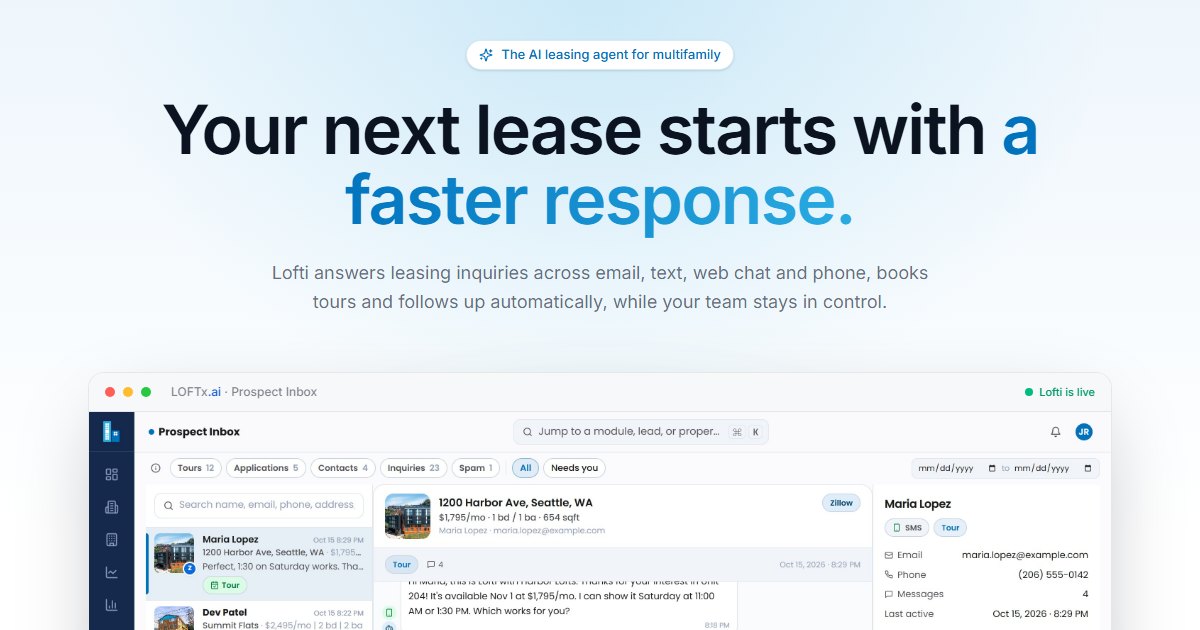
Connect LOFTx.ai to Claude or ChatGPT to query rent rolls, delinquency, rental comps and vacancy forecasts. The LOFTx MCP server gives a compatible AI assistant access to tools that retrieve your authorized portfolio data, so you can ask questions in plain English.
Built for property managers, asset managers, owners and leasing teams, it connects portfolio questions to the underlying records. Availability depends on your LOFTx modules, connected data and permissions.
What can I connect to Claude for property management?
LOFTx.ai is a remote Model Context Protocol (MCP) server for rental property operations. Connect it as a custom connector in Claude or a custom MCP connection in ChatGPT. You can use it for a single property's rent roll, a collections review, market comparisons or a portfolio vacancy outlook.
| Task | Example question | What to review |
|---|---|---|
| Rent rolls | Show the rent roll for this property, with lease dates and recorded rents. | Property scope, available fields and record coverage. |
| Delinquency | Summarize overdue balances by property and aging bucket. | Aging definitions, missing balances and collection completeness. |
| Rental comps | Find nearby two-bedroom rental comps for this address. | Distance, unit features, concessions and listing dates. |
| Vacancy forecasts | Show the next 12 months of vacancy forecasts by property. | Forecast assumptions, renewal behavior and leasing speed. |
Forecasts are estimates based on available data. Ask the assistant to distinguish current vacancies, expiring leases and predicted vacancy. Imported records reflect the latest available source data; retrieval time is not the PMS import time.
Connect to LOFTx
Server URL: https://mcp.loftx.ai/mcp
Transport: Remote MCP over HTTPS (Streamable HTTP).
Sign-in: LOFTx OAuth. Your organization must have API Access enabled. Your LOFTx permissions determine the accessible data and modules. For comps, enable API Access and generate your Comparables API key in LOFTx first.
Have your administrator enable access, confirm the properties you should see and approve use of your chosen AI assistant with company data.
Claude setup
- Open Claude's Connectors settings and add a custom remote connector named LOFTx.ai. Team and Enterprise users may need their organization owner to add it first.
- Enter
https://mcp.loftx.ai/mcp. - Use OAuth and automatic client registration when prompted. LOFTx supports registration without a manually supplied client ID or secret.
- Complete the LOFTx sign-in, enable the connector and start a conversation.
- Ask: Which LOFTx tools and properties can I access? Then test one property you recognize.
See Claude's current custom connector instructions for account-specific controls.
ChatGPT setup
- Confirm your account and workspace permit custom MCP connections.
- In ChatGPT's Plugins area, select Add custom MCP server, name it LOFTx.ai and enter the server URL above. In the legacy interface, use Apps > Create.
- Configure OAuth, complete LOFTx sign-in and review the discovered tools.
- Install or enable the connection, select it in a conversation and test a read-only property question. Workspace distribution may require administrator approval.
Follow OpenAI's current MCP connection instructions for availability and workspace permissions. This is a custom server connection; it does not require a public app-directory listing.
Tool reference
The server advertises each tool's inputs through MCP. Ask the assistant to discover the tools before selecting filters or property identifiers.
| Tool | Purpose |
|---|---|
rent_roll | Retrieve rent-roll records for authorized properties. |
delinquency_rows | Retrieve delinquency records for detailed review. |
comparables_search, comparables_nearby | Search rental comparables and nearby market evidence. |
dashboard_context | Retrieve portfolio or property analytics, including available vacancy and renewal forecast series. |
portfolio_lease_expiry_outlook | Review upcoming lease expirations and lease-up exposure. |
loftx_workflow_guide | Get supported investigation and reporting workflows. |
For a smaller tool list, use a focused endpoint: /mcp/data for row-level datasets, /mcp/portfolio for portfolio analytics or /mcp/pricing for comps and pricing. Combine groups with a comma, such as https://mcp.loftx.ai/mcp/data,portfolio,pricing. Tool selection does not grant additional permissions.
Try a portfolio review
Use LOFTx to review my authorized portfolio. Summarize current vacancy, overdue balances and upcoming lease expirations. Identify the properties needing attention. Show the property scope, source dates where available and missing data. Keep forecast estimates separate from observed results.
For a focused comp search:
Find nearby rental comps for this property's two-bedroom units. Show the listing evidence and concessions, and explain which comps are most comparable. Do not change rents.
Access and troubleshooting
- Sign-in fails: Confirm API Access is enabled and reconnect after expired or revoked access.
- A tool is missing: Check the selected endpoint, enabled modules and your client's refreshed tool list.
- A property or report is unavailable: Confirm property permissions and source-data availability in LOFTx.
- Comps are unavailable: Check that your Comparables API key has been generated and API Access is enabled.
Read tools retrieve information; enabled write tools can change records. Review tool permissions before enabling actions. Revoking or regenerating your LOFTx MCP token disconnects clients using it. Data returned to an external assistant is handled under that provider's terms and your workspace settings.
Explore AI + MCP ? Review security ? Contact LOFTx for setup